




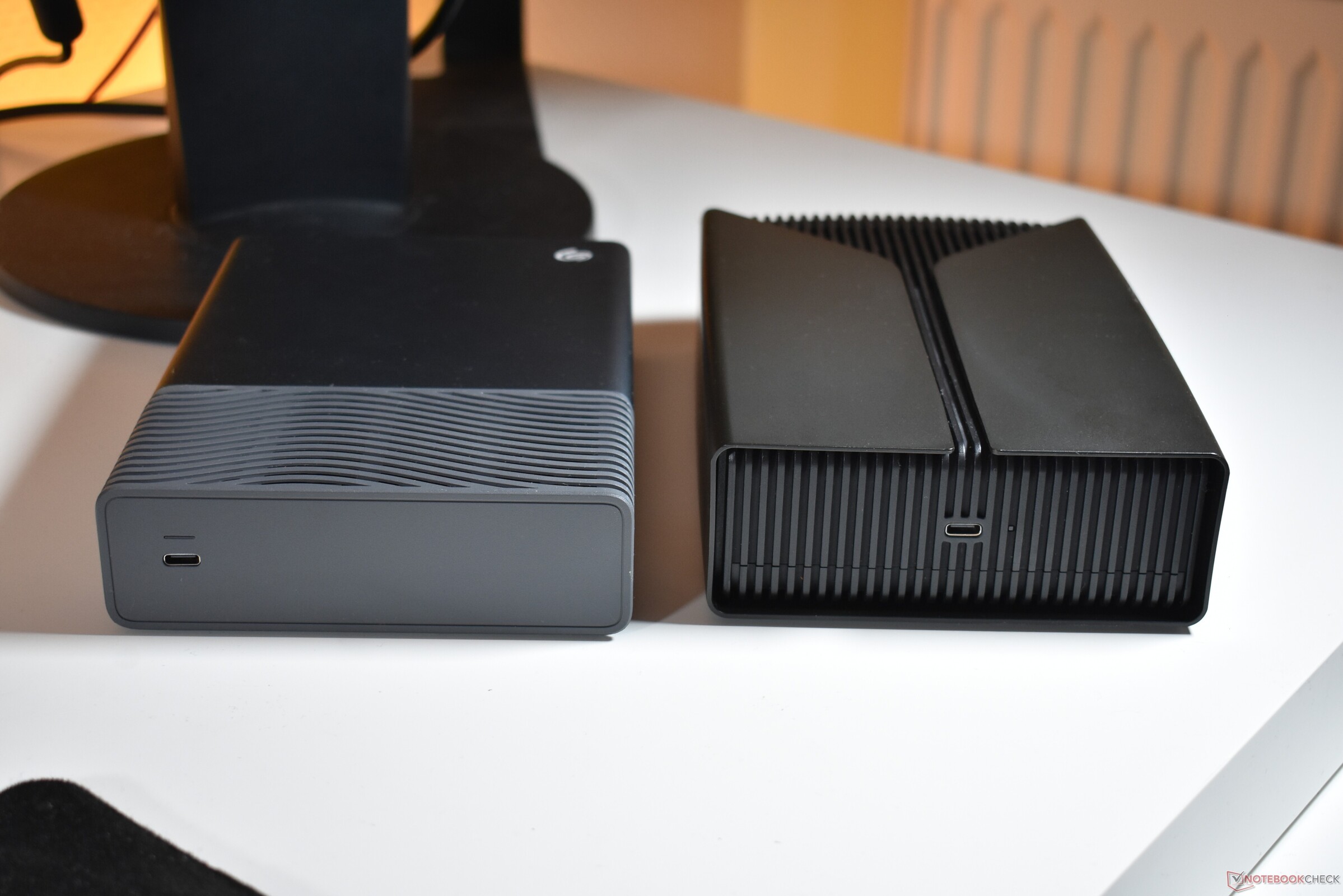
More storage for you: Seagate One Touch 8 and FireCuda X Vault HDD review
Benjamin Herzig Veröffentlicht am
Verdict: One of the best ways to get storage for cheap
With rising SSD prices, it may be worth it for many buyers to consider HDDs again. When SSD prices are going through the roof, it just makes sense to buy a system configuration with a smaller SSD that is mostly just used to load the operating system and everyday apps. Photos, data collections, games - stuff like this can be stored on an external HDD, especially if it is not needed every day. Using the HDDs is easy, thanks to the fact that you only need to connect the USB-C cable and no dedicated charger is required, unlike with other external 3.5 inch HDDs.
Both the Seagate and the FireCuda provide exactly what they should: Plentiful storage. Their speed is limited and do they produce some noise. The Seagate is clearly more suited for work environments, as it is more portable and less noisy, while the slightly faster FireCuda best stays next to your gaming PC and game console, as this is a place where its noise emissions do not matter much.
Pricing and availability
The Seagate One Touch starts at $290 over at seagate.com. This amount of money gets you the 8 TB configuration, the larger 20 and 24 TB versions are not available yet.
With $300, the 8 TB version of the FireCuda X Vault is only slightly more expensive. As with the Seagate One Touch, the 20 TB version is not available at the moment.

Storage in the age of the AI datacenter buildout remains a limiting factor on consumer technology. The time where most users could just afford to buy large SSDs is over. Even traditional spinning plate Hard Disk Drives are becoming more expensive. Still, in relative terms: If you want the maximum capacity for the least amount of money, you have to go for a slower HDD.
Seagate has recently released two new drives for completely different markets. Targeting business customers and office users, there is the Seagate One Touch HDD. And under the FireCuda brand, the FireCuda X Vault HDD is made to store the huge games of today. We had the chance to test both.
Design and build quality: Seagate more mobile, FireCuda with RGB
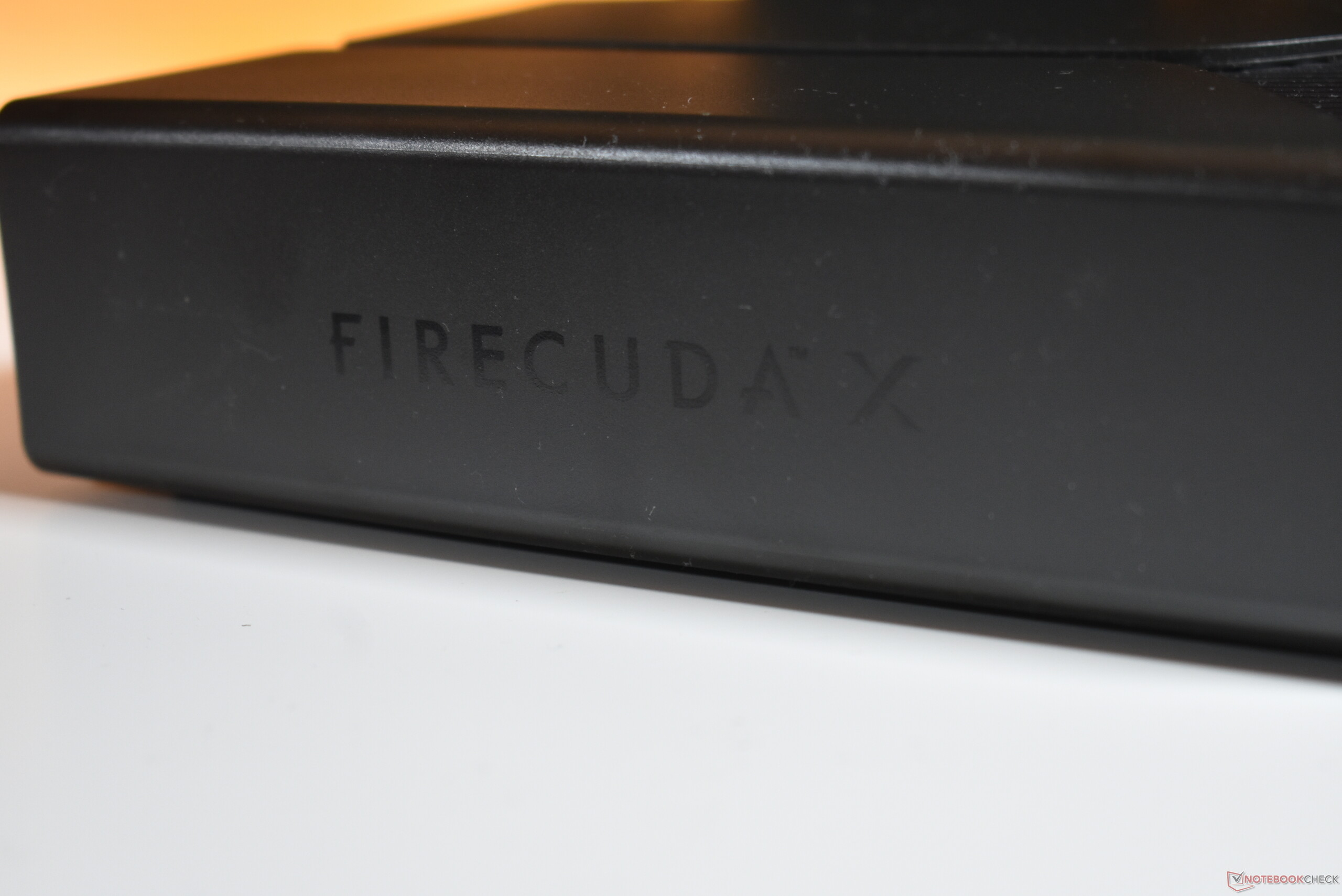
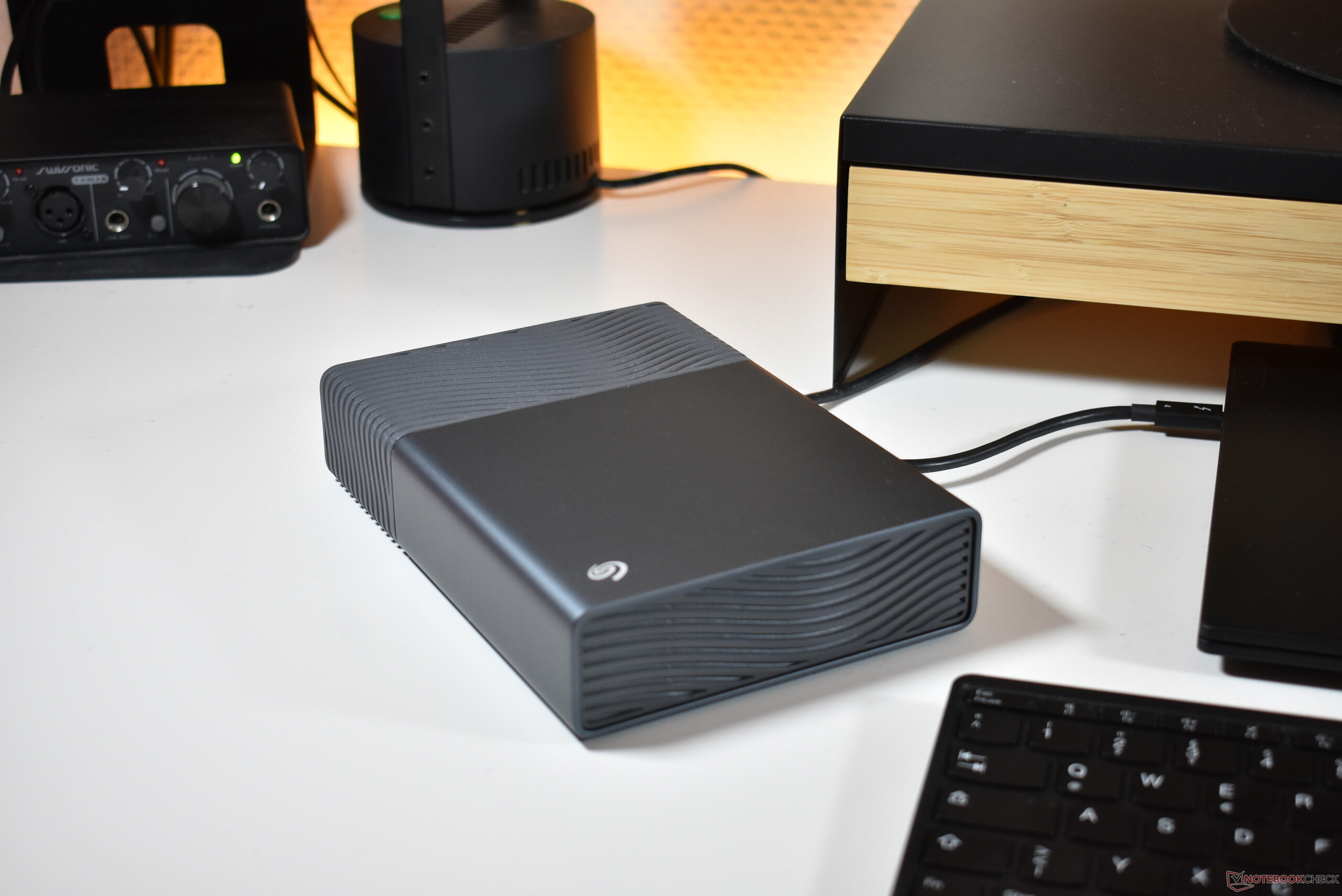
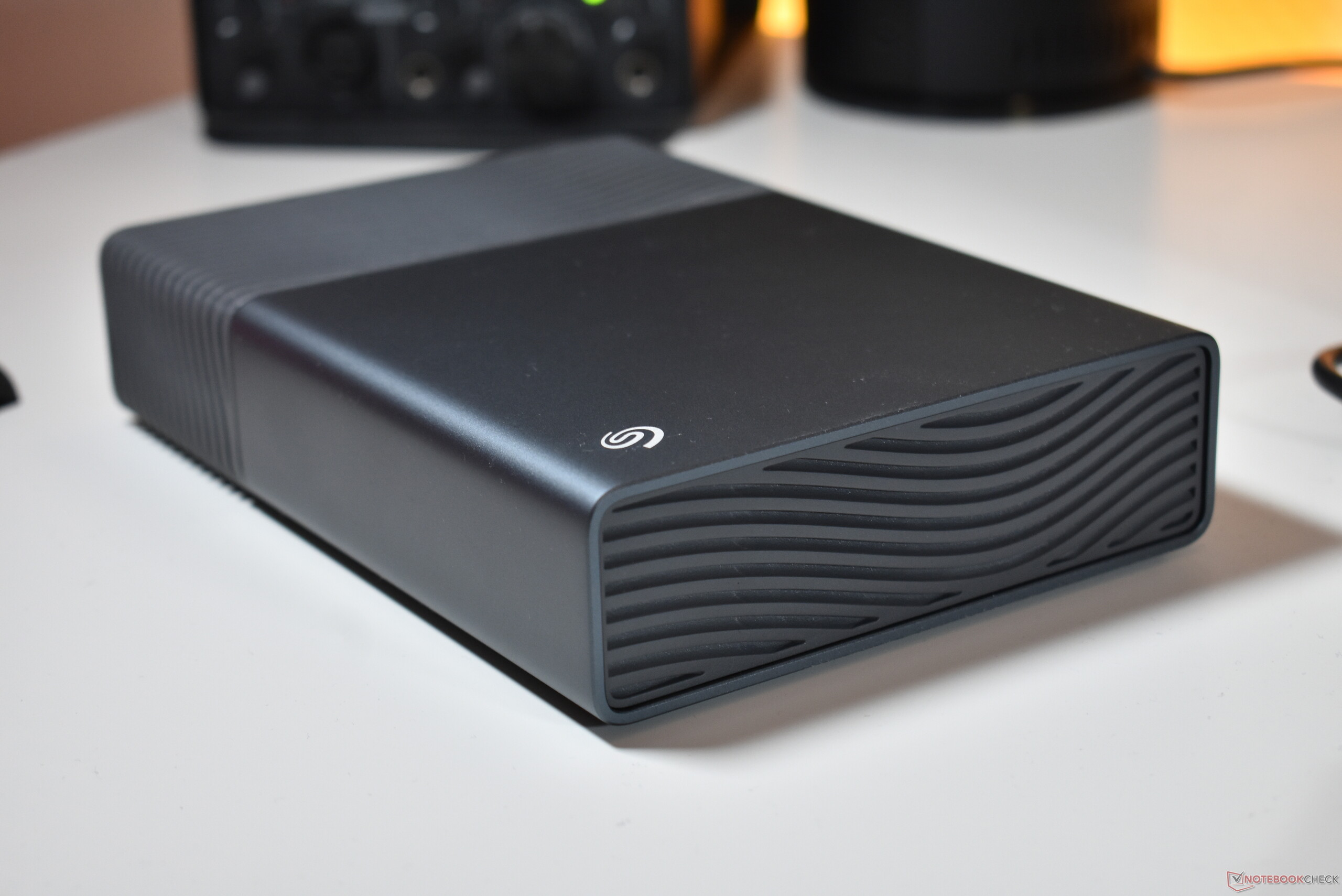
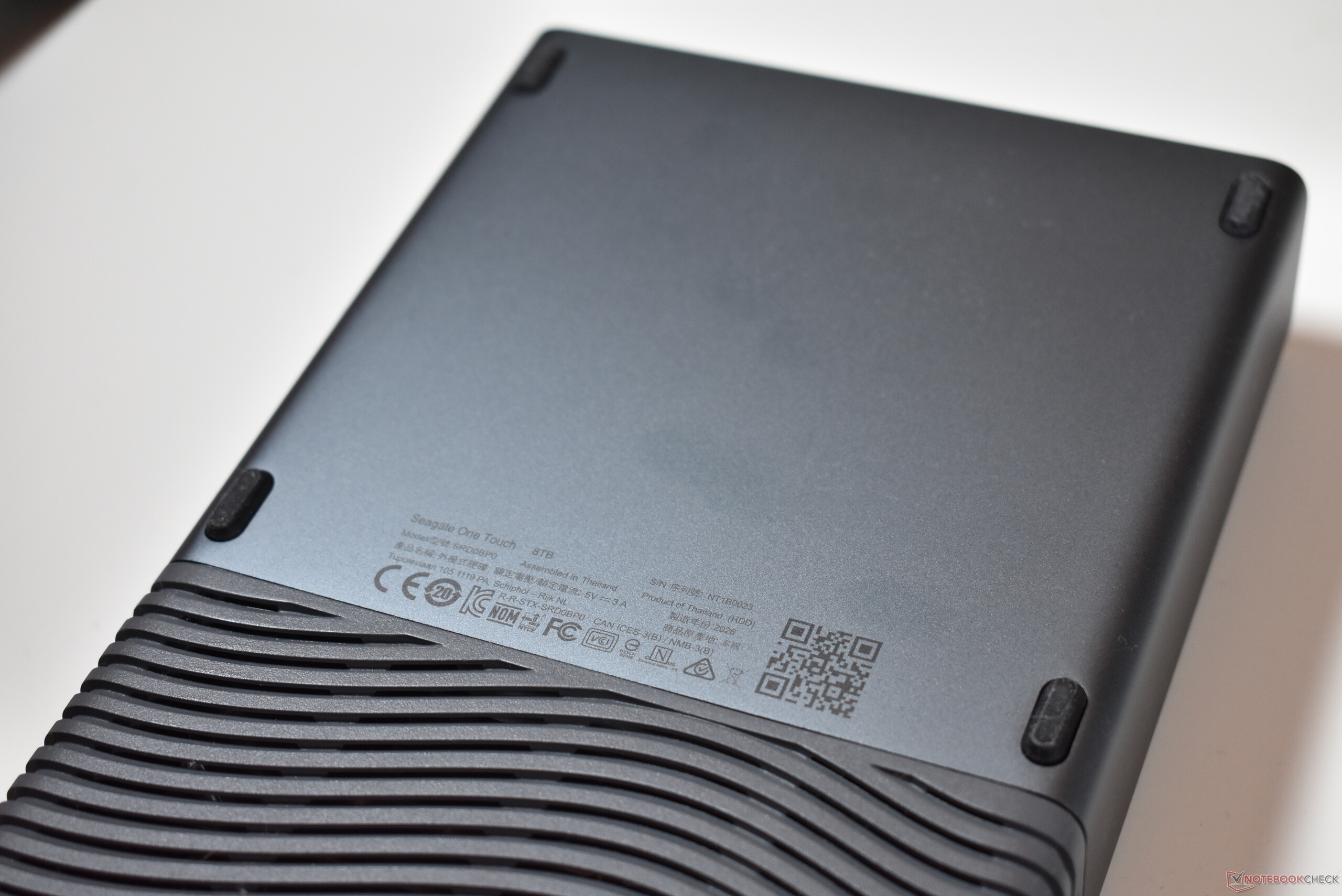
Despite both HDDs being made by the same manufacturer and supposedly coming out of the same factory in Thailand, both have very distinct designs. The Seagate branded drive sports a wavey patern on parts of the case, which is colored in dark-grey colorway. The FireCuda on the other hand has a ridged case, with a smooth part sort of wrapped around it, and it has a black color. It target market becomes obvious once turned on: there are two hidden RGB LED stripes, following the usual gaming-style.
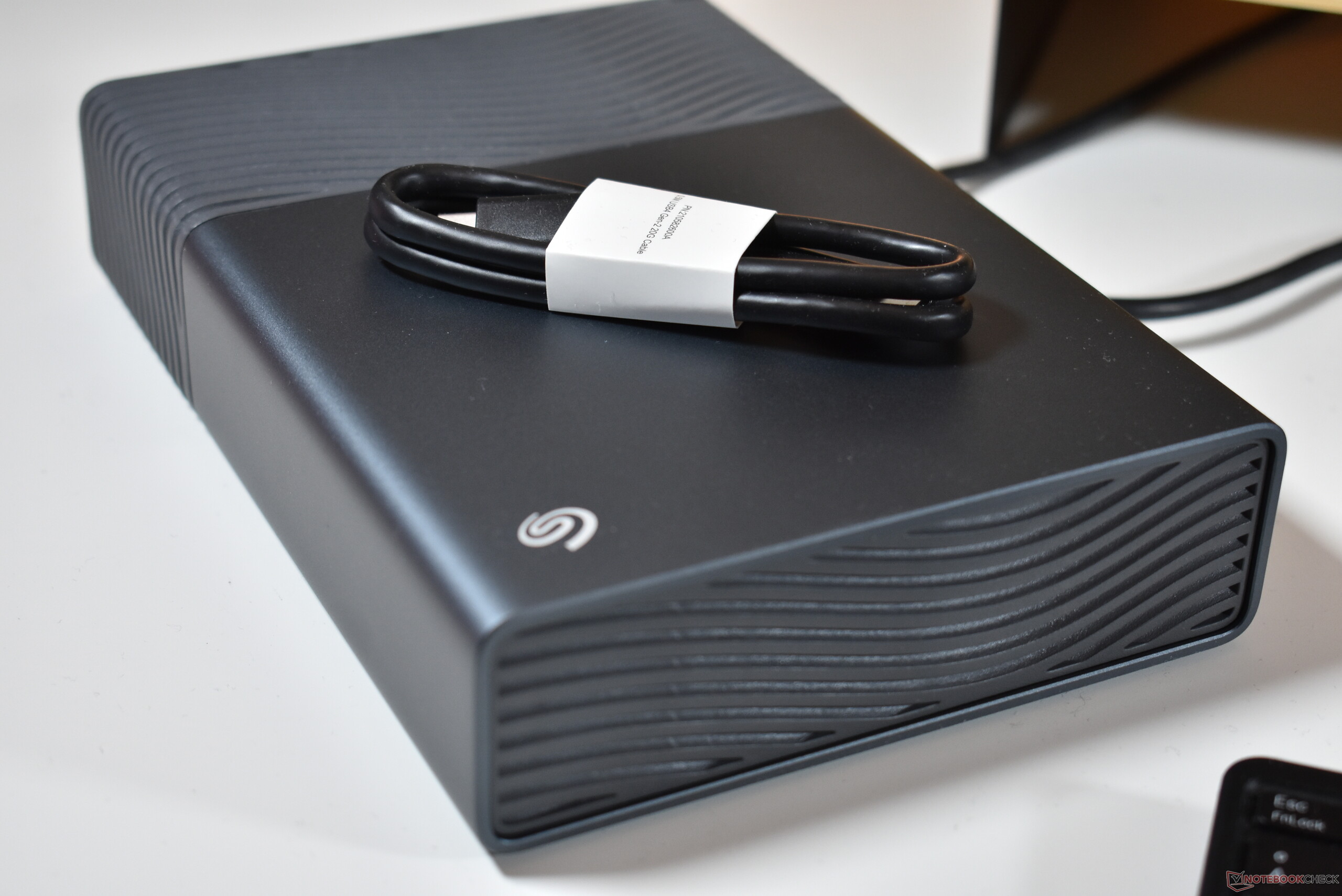
While the FireCuda outer chassis consits completely of plastic, the Seagate drive uses aluminum fo rthe smooth part of the hull. The metal helps to make it feel more substantial and gives it a more premium vibe, though the plastic parts of the Seagate drive actually feel quite cheap. The FireCuda may be all plastic, but the plastic here does not bend or flex, unlike on the Seagate drive.
Another difference between the two are the rubber feet. With the Seagate drive, there are small rubber feet underneath the metal part of the case only, so it can wobble a little bit. For the FireCuda, the entire bottom part is a huge rubber foot, so this HDD rests very securely on your desk or wherever you want to use it.
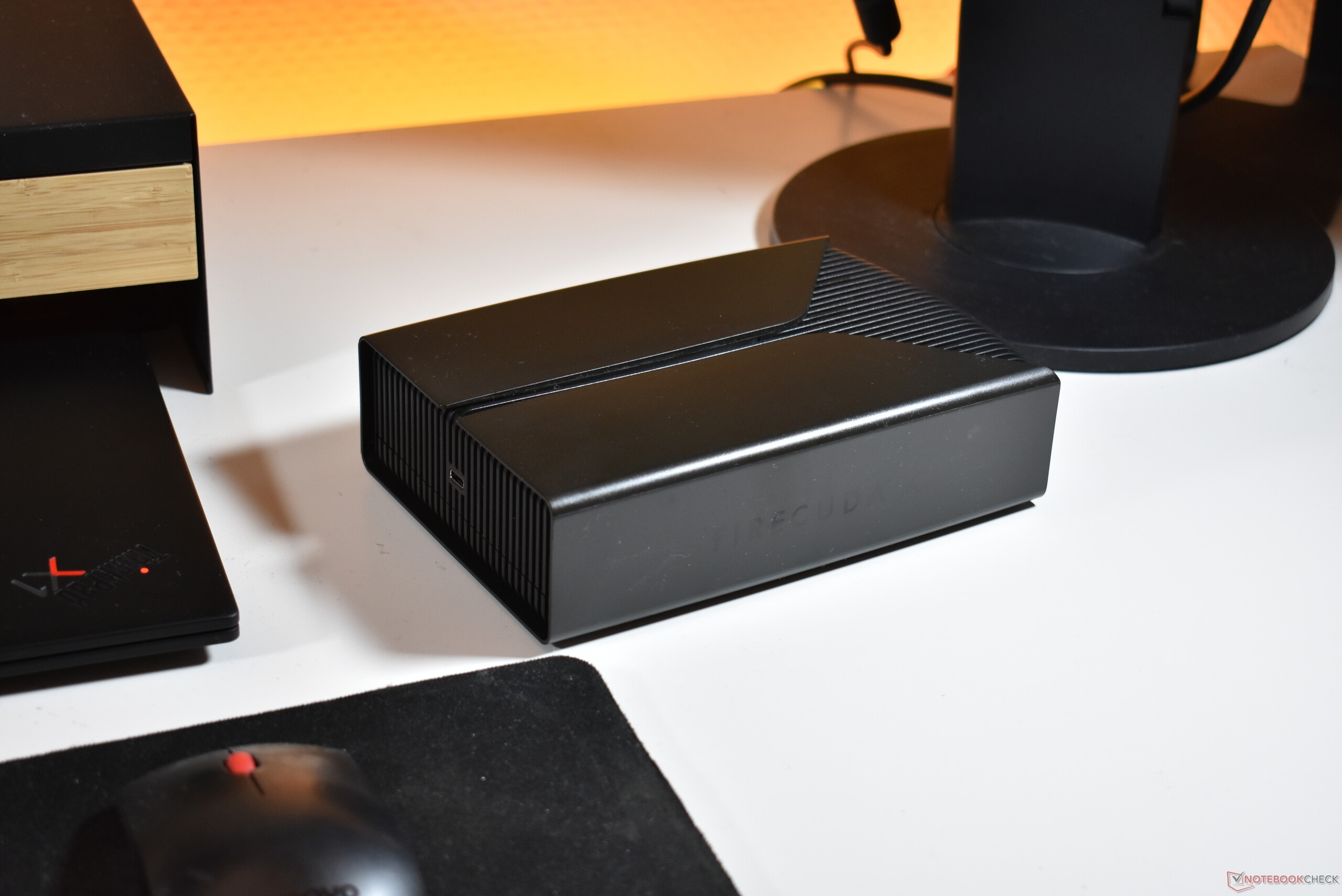
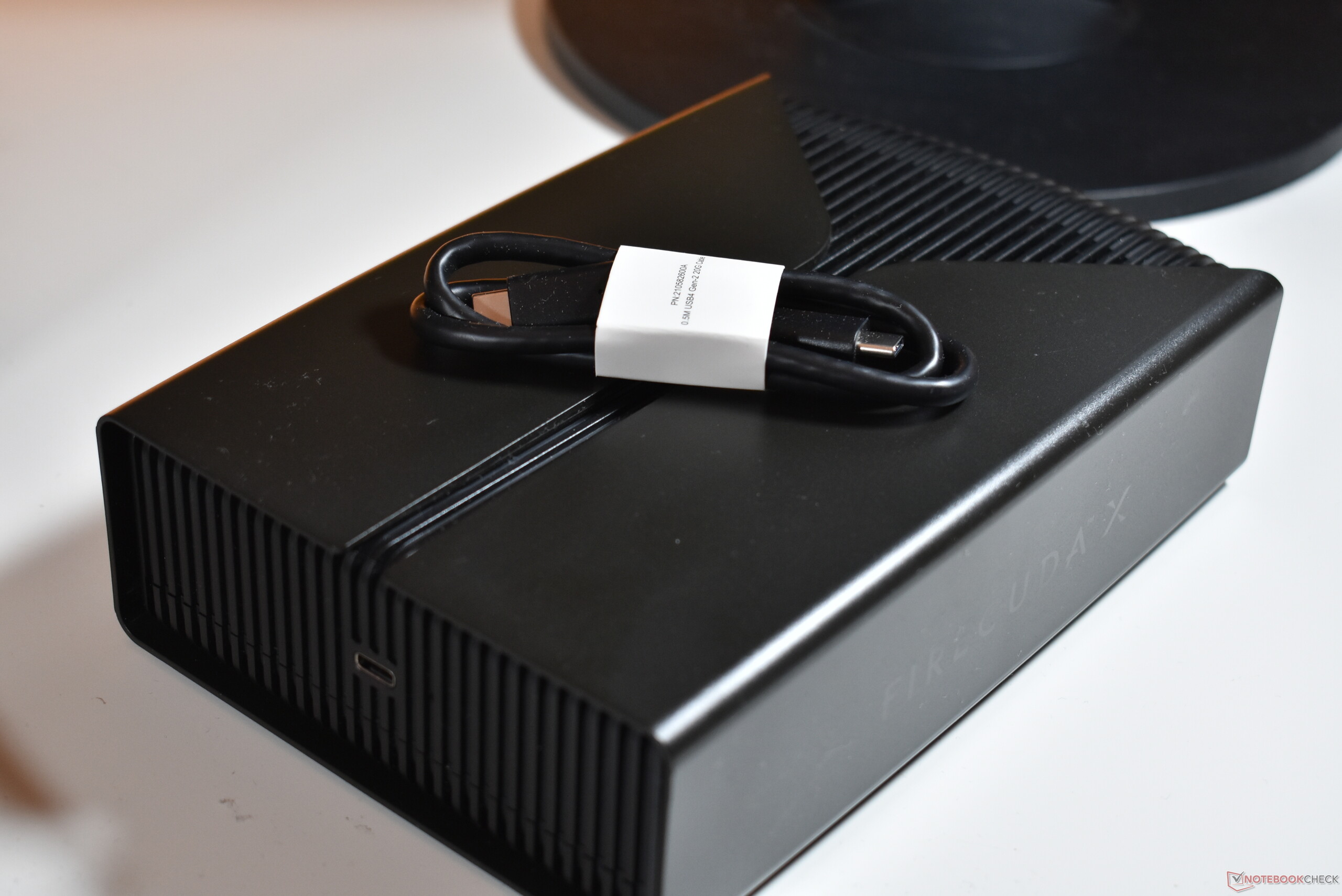
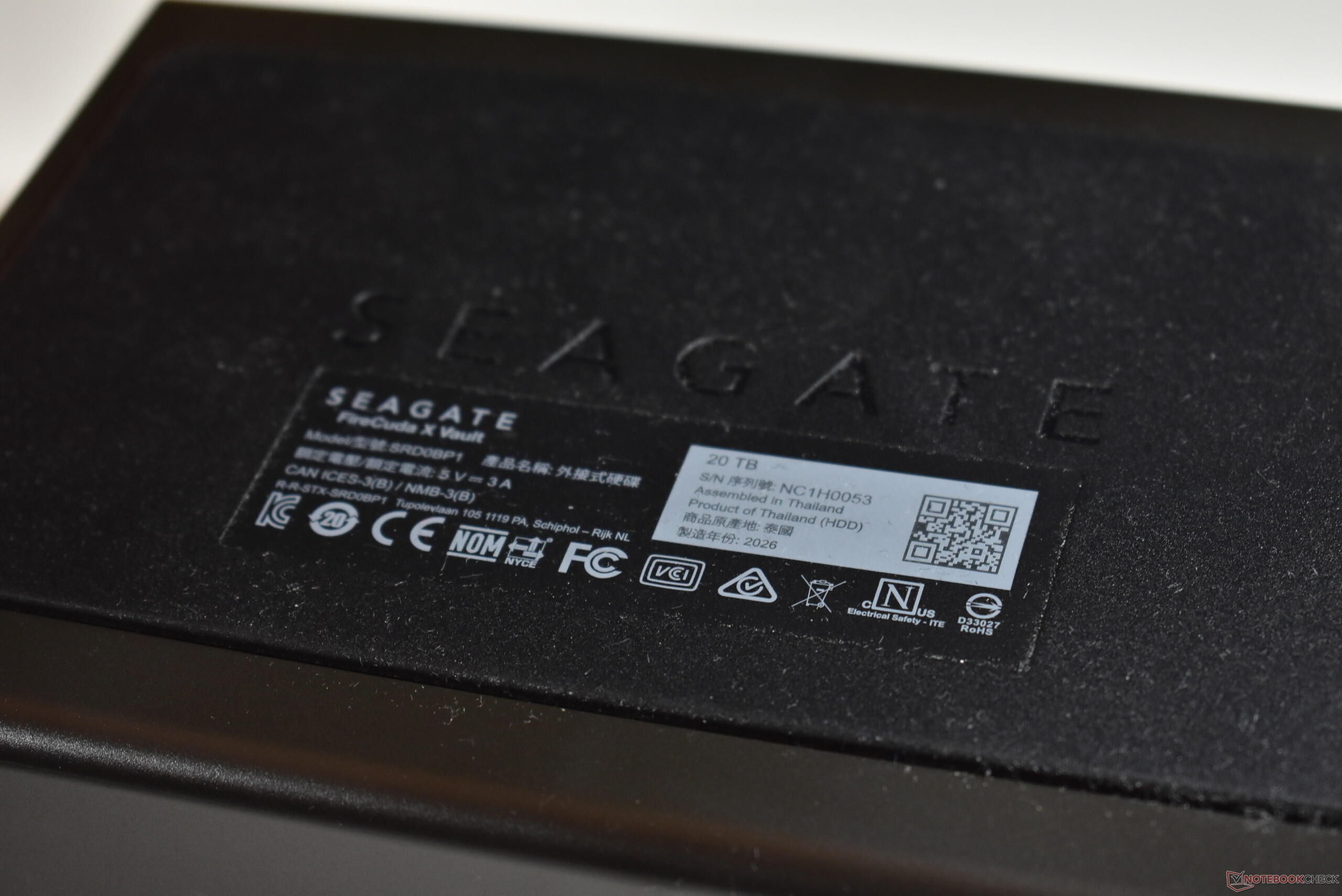
As external drives, you can use them anywhere. Both drives connect to your laptop, PC or gaming console via USB-C, though it should be noted that the supplied USB-C cables are rather short, with just 50 cm of length. What makes these drives special is the fact that they are also powered via USB-C - many other external 3.5 inch drives require an additional charger connector, these do now. This does mean your USB-C port must be able to deliver at least 15 W of power.
Of the two, the Seagate HDD is clearly more mobile, with a weight of 1090 g including the cable and a thickness of 40 mm. The FireCuda meanwhile seems more suited for a purely stationary use, as it is both thicker (50 mm) and heavier (1347 g including the cable), plus also a bit bigger in terms of the footprint (FireCuda X Vault: 20 x 13 cm, Seagate One Touch: 18.5 x 13 cm).
Performance and noise: The classic HDD experience
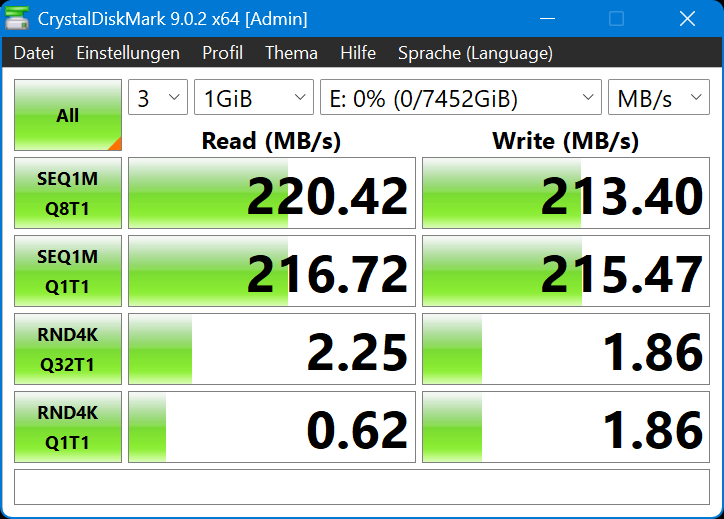
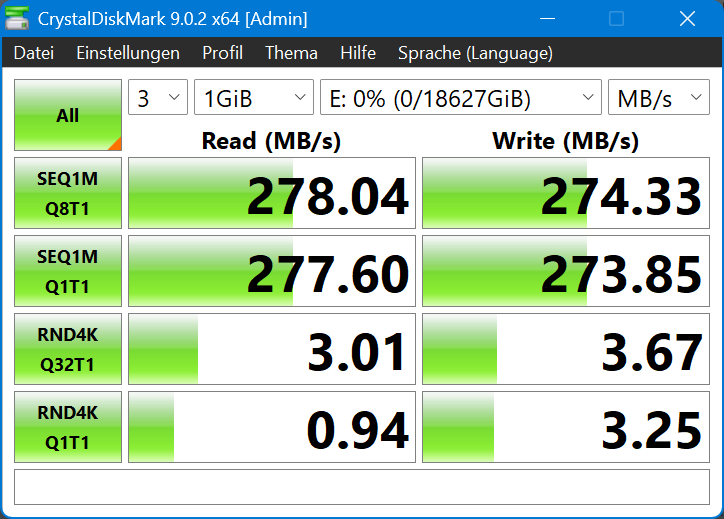
SSDs are not in any danger of getting outsped by HDDs - the spinning drives just can not compete. In the case of our two Hard Disk Drives, we tested them with the trusty old CrystalDiskMark benchmark. Both achieved similar enough results that stay well below what even older SATA SSDs can achieve. The gaming-focused FireCuda X Vault is faster, with sequential top speeds around 280 MB/s and 4K speeds of around 3.5 MB/s. The Seagate One Touch is not far behind, topping out at 220 MB/s (sequential) and 2.25 MB/s (4K).
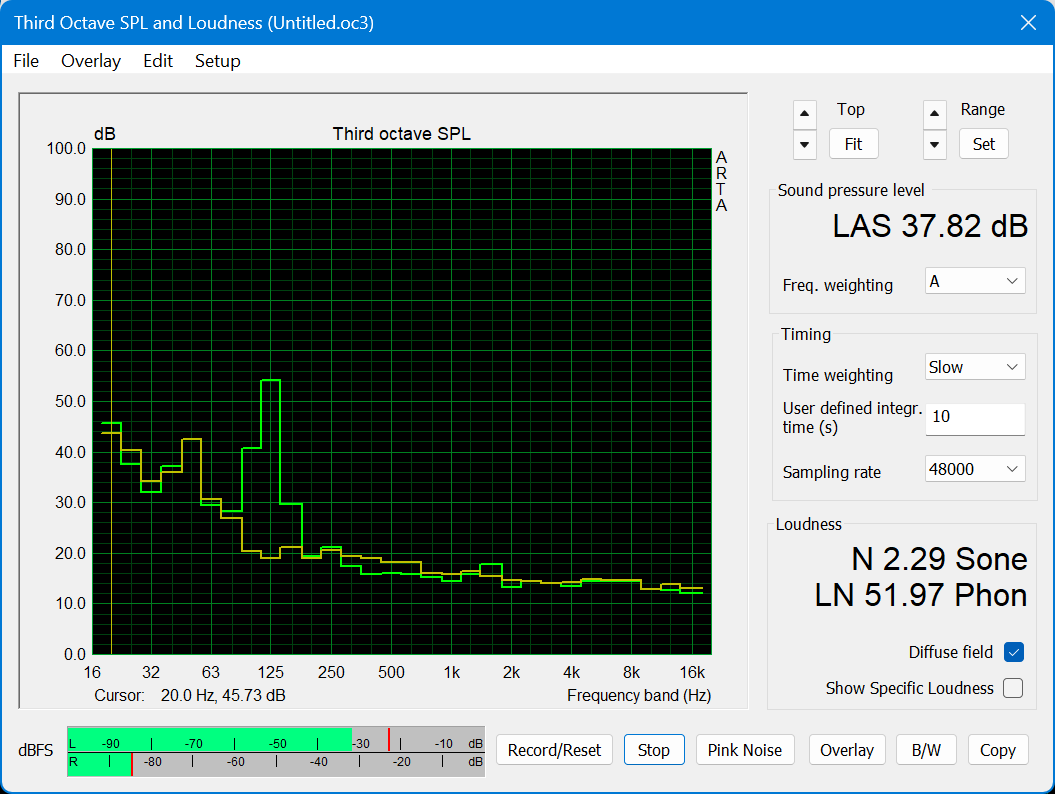
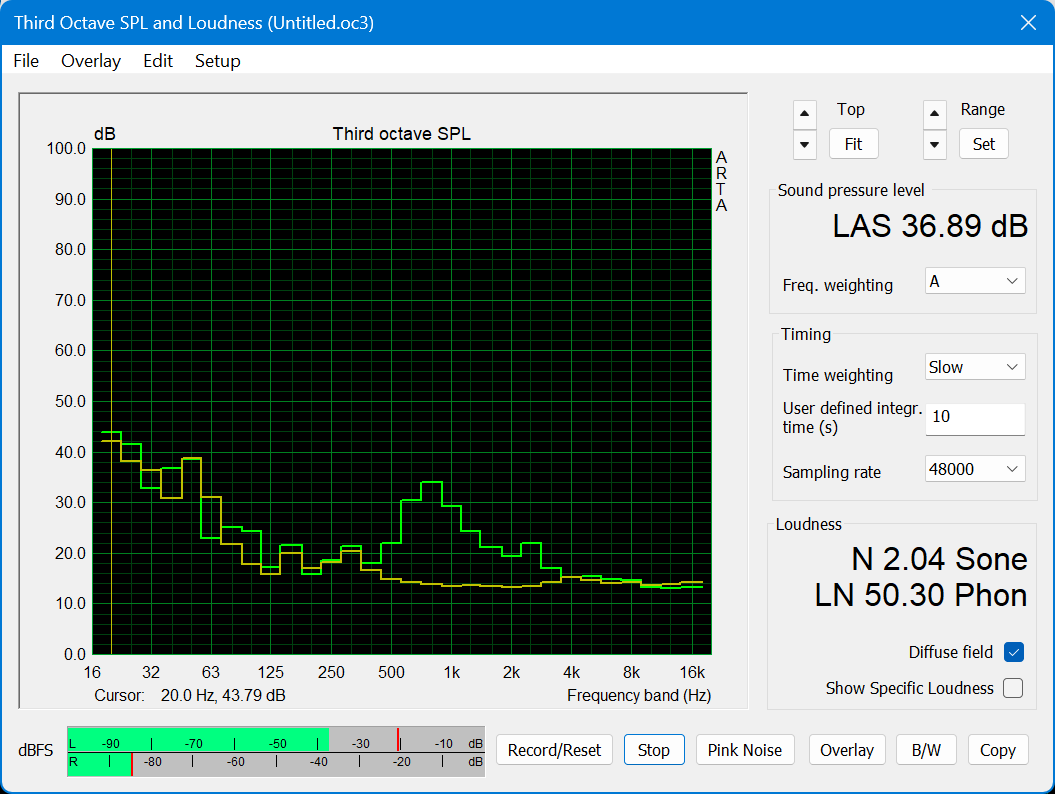
The higher speed of the FireCuda comes at a price, which is a higher noise output. Spinning drives, unlike SSDs, do have noise emissions. In the case of our contestants, they both have ver different noise profiles. The Seagate One Touch has a maximum noise output of 36.9 dB(a) and the FireCuda X Vault maxes out at 37.9 dB(a). This does not seem that different, but the noise of the FireCuda is much lower pitched - most of it is outside the audible range for humans, but it certainly results in strong vibrations. In comparison, the noise of the Seagate drive is higher pitched and comparable to the fan of an office laptop, without unwanted vibrations.
 Add as a preferred source on Google


Keine Kommentare zum Artikel
