English
 Español
 Français
 Italiano
 Nederlands
 Polski
 Português
 Русский
 Türkçe
 Svenska
 Chinese
 Magyar
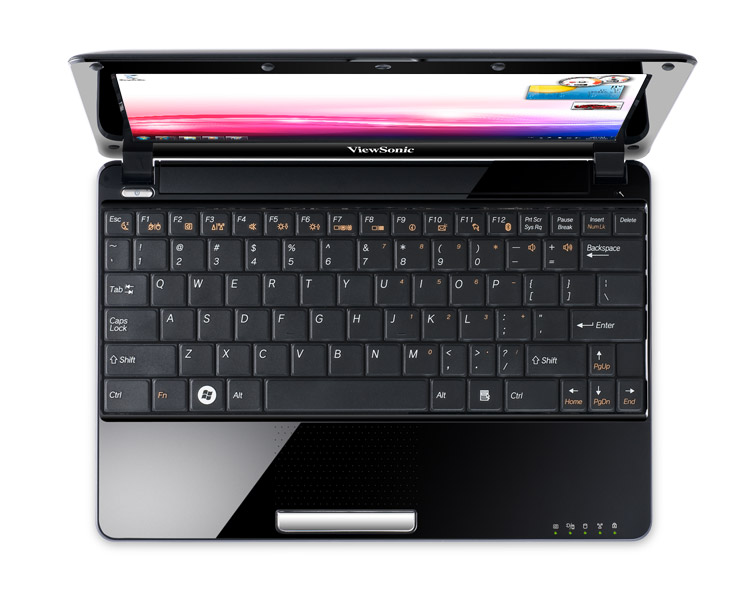
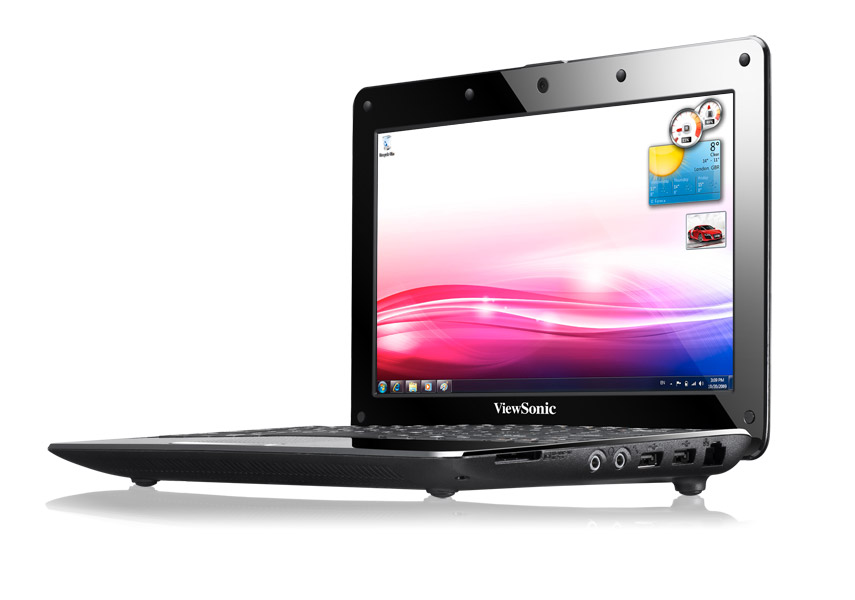
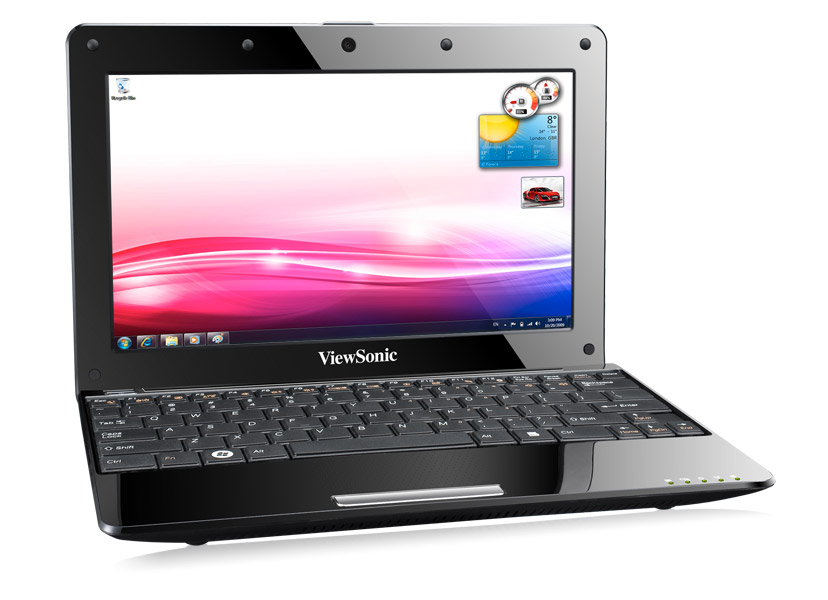
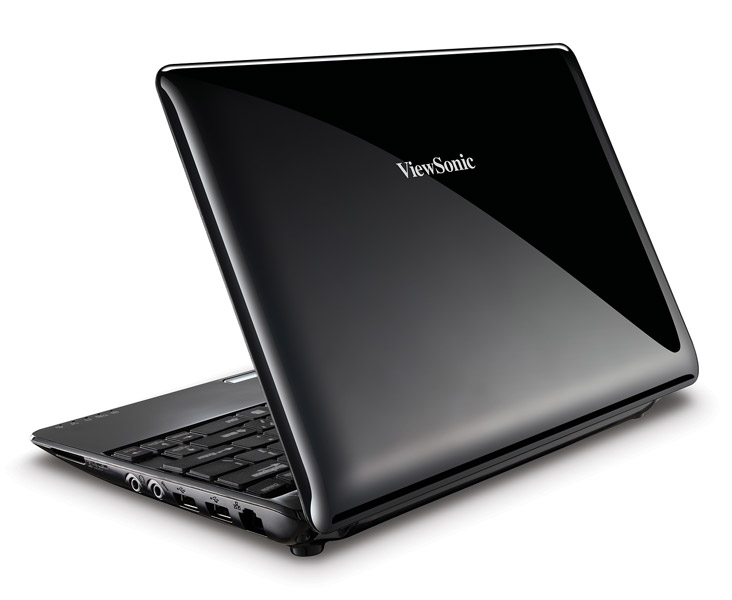
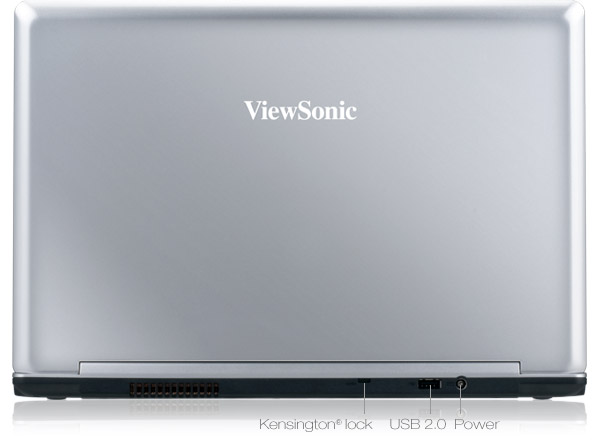
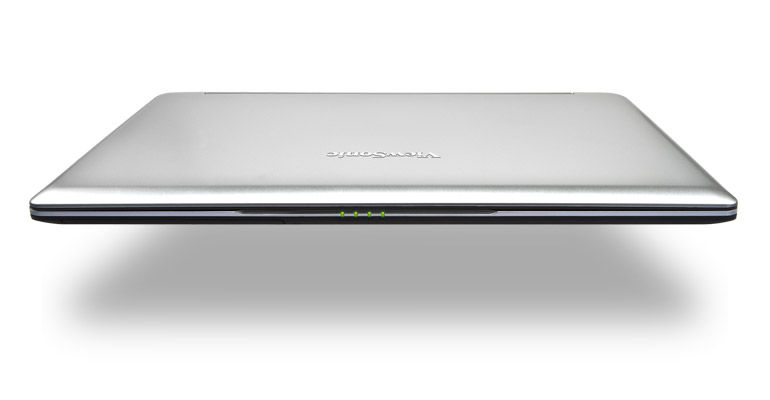
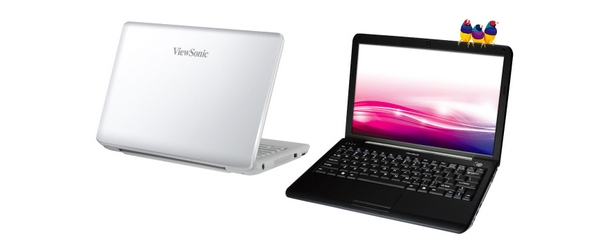
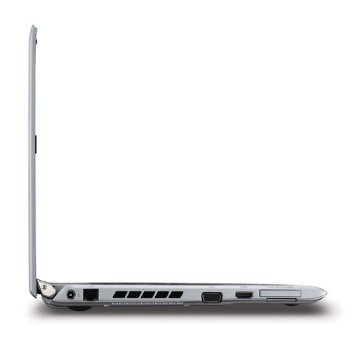
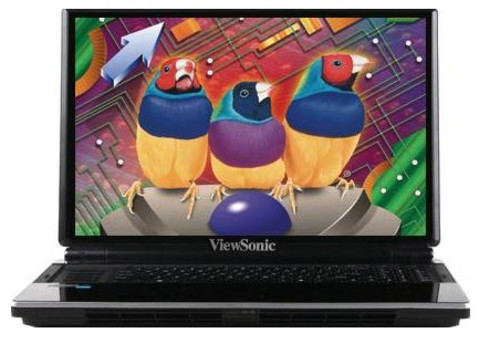
Viewsonic ViewBook VNB Serie
 Prozessor: Intel Atom N450, Intel Celeron Dual-Core SU2300, Intel Core 2 Duo SU7300, Intel Core i3 330M, Intel Pentium Dual Core SU4100
Grafikkarte: Intel Graphics Media Accelerator (GMA) 3150, Intel Graphics Media Accelerator (GMA) 4500M, Intel Graphics Media Accelerator (GMA) 950, NVIDIA GeForce GTX 285M
Bildschirm: 10.10 Zoll, 12.10 Zoll, 13.30 Zoll, 15.60 Zoll
Gewicht: 1.2kg, 1.5kg, 1.6kg, 1.7kg, 3.5kg
Preis: 300, 500, 700, 900 Euro
Durchschnitt von 10 Bewertungen (aus 14 Tests)
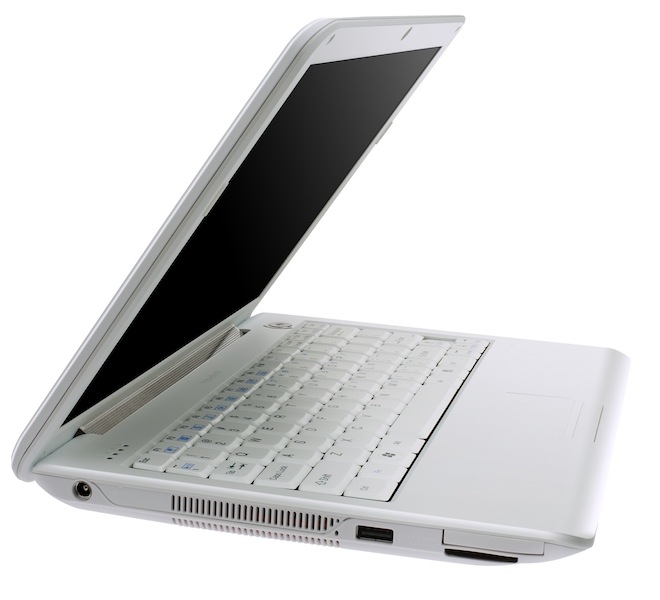
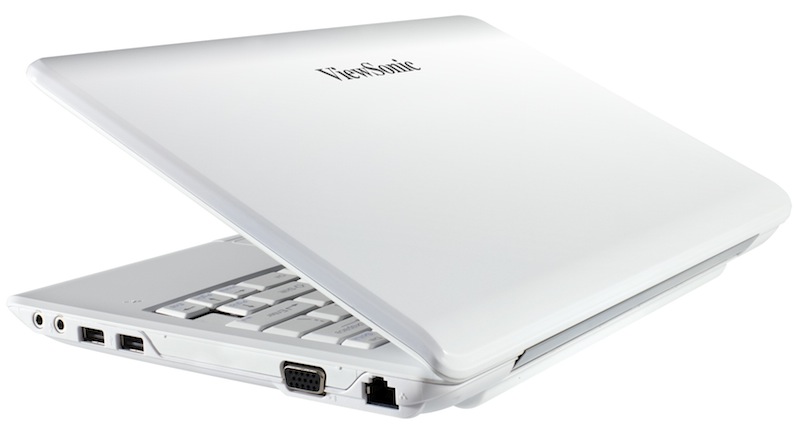
Viewsonic ViewBook VNB120
Ausstattung / Datenblatt
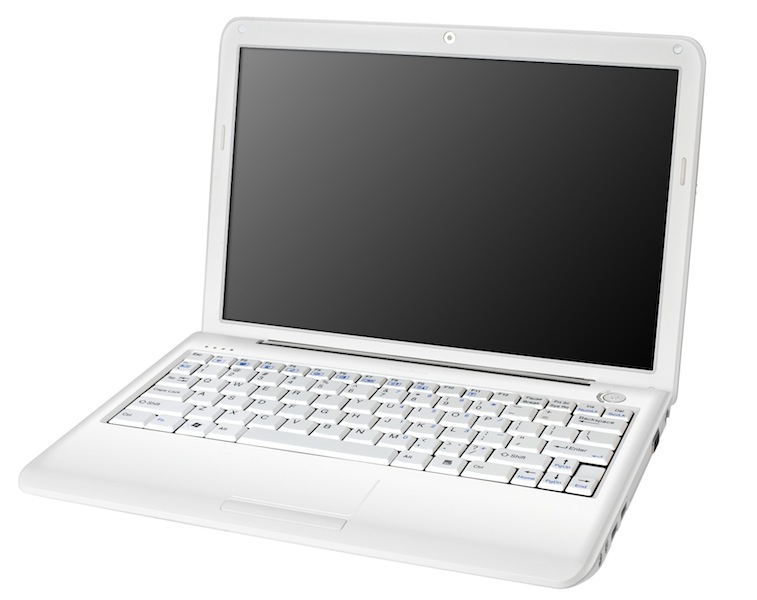 Notebook: Viewsonic ViewBook VNB120
Prozessor: Intel Celeron Dual-Core SU2300
Grafikkarte: Intel Graphics Media Accelerator (GMA) 4500M
Bildschirm: 12.10 Zoll, 16:10, 1280 x 800 Pixel
Gewicht: 1.6kg
Preis: 500 Euro
Links: Viewsonic Startseite ViewBook VNB (Serie)
Preisvergleich
Bewertung:
Ausländische Testberichte
Quelle: Good Gear Guide
 EN→DE Archive.org version
ViewSonic's ViewBook VNB120 is an ultra-low voltage ultraportable notebook with a 12.1in screen and a 1.2GHz Intel Celeron SU2300 dual-core CPU. The 12in ViewBook VNB120 is a much better proposition than a 10in notebook: it's bigger, faster and therefore easier to use. However, we don't like its keyboard, which could use softer keys and full-sized period and comma keys, nor its touchpad design, which blends into the palm rest. The upside down USB ports are also a bit of a pain.
Einzeltest, online verfügbar, Mittel, Datum: 08.04.2010
Bewertung: Gesamt: 60%
Quelle: Mobile Computer
EN→DE Archive.org versionViewSonic may be a name more readily associated with monitors rather than laptops, but the ViewBook VNB120 is the latest in its line of low-cost ultraportables — it announced its first netbook, the VieBook (no, not a typo), at last year’s CES. The ViewSonic ViewBook VNB120 is a good looking ULV ultraportable that compares favourably with the Samsung X120. The battery life is better, but performance is worse — which is most important is for you to decide.
Einzeltest, online verfügbar, Mittel, Datum: 07.01.2010
Bewertung: Gesamt: 83%
Viewsonic Viewbook VNB131
Ausstattung / Datenblatt
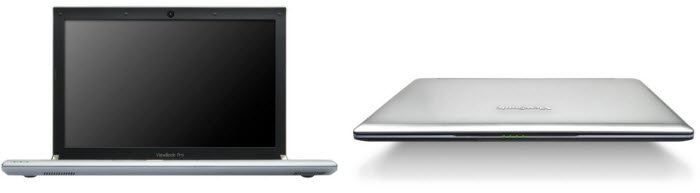 Notebook: Viewsonic Viewbook VNB131
Prozessor: Intel Core 2 Duo SU7300
Grafikkarte: Intel Graphics Media Accelerator (GMA) 950
Bildschirm: 13.30 Zoll, 16:10, 1280 x 800 Pixel
Gewicht: 1.7kg
Preis: 700 Euro
Links: Viewsonic Startseite ViewBook VNB (Serie)
Preisvergleich
Bewertung:
Ausländische Testberichte
Quelle: Trusted Reviews
EN→DE Archive.org versionThose who follow the technology industry will know that ViewSonic has long been associated with monitors, both CRTs and more recently LCDs. ViewSonic has done some interesting things with the ViewBook Pro. It's got a great screen, has a comprehensive (sometimes eclectic) feature set and offers an integrated optical drive when others don't. It's let down, however, by a slightly unrefined chassis and a poor keyboard. A little more RAM would be nice, too.
Einzeltest, online verfügbar, Lang, Datum: 18.03.2010
Bewertung: Gesamt: 70% Preis: 70% Leistung: 60% Ausstattung: 90% Mobilität: 70%
Quelle: Tweaktown
EN→DE Archive.org versionThe ViewSonic ViewBook Pro is absolutely packed with features that you don't expect to ind in the ultraportable range at this price. This is one of the best machines in the ultraportable class.
Einzeltest, online verfügbar, Mittel, Datum: 08.03.2010
Bewertung: Gesamt: 95% Preis: 96% Leistung: 95% Ausstattung: 97% Gehäuse: 96%
Quelle: Slashgear
EN→DE Archive.org versionHaving been initially dubious at Viewsonic’s obvious inspiration with the VNB131, we’ve ended up surprisingly impressed by the notebook. Light and cool-running, the VNB131 nonetheless punches above its weight when it comes to performance, and the screen is particularly impressive. Throw in decent battery life and you’re looking at a strong ultraportable contender when you consider the $949 price.
Einzeltest, online verfügbar, Lang, Datum: 05.03.2010
Bewertung: Preis: 80% Leistung: 80% Bildschirm: 90% Mobilität: 80% Emissionen: 90%
Quelle: Electricpig
EN→DE Archive.org versionLoading up laptops with next-gen gimmicks is always a surefire way to garner the attention of the world’s technorati. And that’s just what the Viewsonic ViewBook Pro VNB131, with biometric scanning and even a demobiliser button slapped on the side. But do these original extras make it worth handing over for? Read our definitive Viewsonic ViewBook Pro VNB131 review to find out. A decent machine, but nowhere near as cool and clever as ViewSonic would have you believe.
Einzeltest, online verfügbar, Mittel, Datum: 03.03.2010
Bewertung: Gesamt: 60%
Quelle: Laptop Mag
EN→DE Archive.org versionFor a company with little experience making notebooks, we were impressed by the design and features of the $949 ViewSonic VNB131 ViewBook Pro. We especially like the 16:10 screen and integrated security alarm. However, there are longer lasting ultraportables that offer more bang for your buck. Although it’s designed for general consumers, the ASUS UL30A lasts nearly twice as long on a charge and costs about $250 less.
Einzeltest, online verfügbar, Lang, Datum: 02.03.2010
Bewertung: Gesamt: 60%
Quelle: Tech Advisor
EN→DE Archive.org versionMock-metal plastic isn’t unusual in the sub-£1000 laptop price band but be aware that the ViewBook is trading on the prestige of a certain laptop hewn from more durable aluminium. Despite pretensions of mixing with the upmarket ultraportables, the ViewSonic ViewBook 130 is after all a relatively affordable thin ’n’ lightish notebook, and one that remains cool and mostly quiet in use.
Einzeltest, online verfügbar, Mittel, Datum: 11.02.2010
Bewertung: Gesamt: 70% Preis: 60% Ausstattung: 80% Gehäuse: 70%
Quelle: V3.co.uk
EN→DE Archive.org versionIts slim chassis is built from strong but light aluminium, it comes with a bright 13.3in widescreen display, spaced-out keys and a multi-touch trackpad. The specifications of the computer are reasonable: it uses a low-voltage dual-core processor, which helps increase battery life, with 2GB of memory and, a 320GB hard disk, and it comes with the Windows 7 Home Premium operating system. Nicely portable computer, with respectable battery life and good looks.
Einzeltest, online verfügbar, Kurz, Datum: 13.01.2010
Quelle: Retera
 RU→DE Archive.org version
Einzeltest, online verfügbar, Mittel, Datum: 28.10.2010
Bewertung: Gesamt: 66% Leistung: 31% Bildschirm: 71% Mobilität: 72% Emissionen: 64%
Viewsonic ViewBook VNB130
Ausstattung / Datenblatt
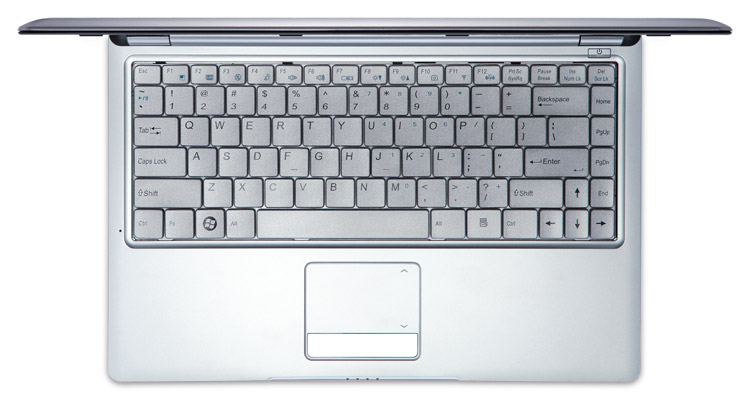 Notebook: Viewsonic ViewBook VNB130
Prozessor: Intel Pentium Dual Core SU4100
Grafikkarte: Intel Graphics Media Accelerator (GMA) 4500M
Bildschirm: 13.30 Zoll, 16:9, 1366 x 768 Pixel
Gewicht: 1.5kg
Preis: 900 Euro
Links: Viewsonic Startseite ViewBook VNB (Serie)
Preisvergleich
Bewertung:
Ausländische Testberichte
Quelle: Reg Hardware
EN→DE Archive.org versionThe ViewBook is actually quite a nice little laptop: it’s light and easy to carry, and perfectly adequate for day-to-day tasks. Its main weakness is that it simply seems a bit over-priced when compared to other laptops that provide similar features and performance. Of course, you could say the same thing about the MacBook Air, but the MacBook can rely on Apple’s drop-dead gorgeous design and full metal jacket to overwhelm your better instincts. The ViewBook has no such killer feature to recommend it.
Einzeltest, online verfügbar, Mittel, Datum: 23.04.2010
Bewertung: Gesamt: 60%
Quelle: Techradar
EN→DE Archive.org versionViewSonic also includes a two-year warranty as standard. Continuing its successful run of recent releases, ViewSonic's ViewBook 130 is a highly stylish and usable machine. While the battery life is bettered by rival CULV machines, such as the Asus UL20A, this is still a well-made laptop and one that's very easy to like.
Einzeltest, online verfügbar, Kurz, Datum: 14.03.2010
Bewertung: Gesamt: 70%
Viewsonic ViewBook VNB107
Ausstattung / Datenblatt
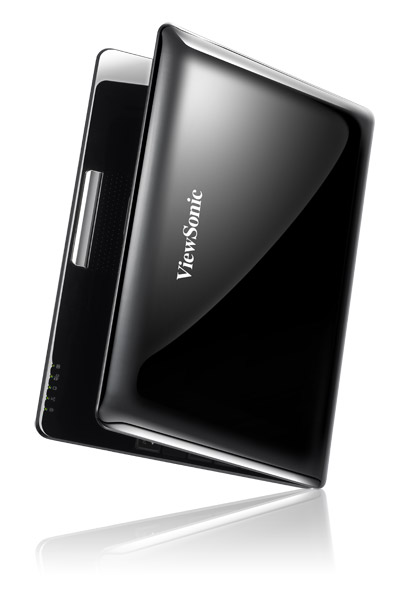 Notebook: Viewsonic ViewBook VNB107
Prozessor: Intel Atom N450
Grafikkarte: Intel Graphics Media Accelerator (GMA) 3150
Bildschirm: 10.10 Zoll, 16:9, 1024 x 600 Pixel
Gewicht: 1.2kg
Preis: 300 Euro
Links: Viewsonic Startseite ViewBook VNB (Serie) ViewBook VNB107 (Modell)
Preisvergleich
Ausländische Testberichte
Quelle: Itsvet
 HR→DE Archive.org version
Einzeltest, online verfügbar, Kurz, Datum: 13.01.2011
Viewsonic ViewBook VNB155
Ausstattung / Datenblatt
Notebook: Viewsonic ViewBook VNB155Prozessor: Intel Core i3 330M
Grafikkarte: NVIDIA GeForce GTX 285M
Bildschirm: 15.60 Zoll, 16:9, 1366 x 768 Pixel
Gewicht: 3.5kg
Links: Viewsonic Startseite ViewBook VNB (Serie)
Preisvergleich
Ausländische Testberichte
Quelle: IT.com.cn
 zh-CN→DE Archive.org version
Einzeltest, online verfügbar, Lang, Datum: 16.11.2010
Kommentar
Viewsonic: Bekannt ist die 1987 (unter dem Namen Keypoint Technology Corporation) gegründete taiwanesisch-amerikanische ViewSonic Corporation (1993 umbenannt) vor allem für Displays/Monitore und Projektoren, visuelle Anzeigegeräte, einschließlich Flüssigkristallbildschirme, interaktive Whiteboards, sowie auf Software für digitale Whiteboards.
Diese Karten können nur sehr alte und sehr anspruchslose 3D Spiele flüssig darstellen. Anwendungen wie Office, Internet surfen, Bildbearbeitung oder (SD) Videoschnitt sind jedoch ohne große Einschränkungen möglich.
Intel Graphics Media Accelerator (GMA) 4500M: Im GL40 oder GS40 Chipsatz (Montevina Plattform) integrierte shared Memory Grafikkarte von Intel. Technisch eine geringer getaktete GMA 4500MHD (400 MHz versus 533) und durch den geringeren Takt auch kein BlueRay Logo Support.
3D Spiele sind auf diesen Vertretern nur in Ausnahmen spielbar, grundsätzlich sind die Grafiklösungen hierfür jedoch nicht geeignet. Office Programme und Internet surfen dürfte jedoch ohne Problem möglich sein.
Intel Graphics Media Accelerator (GMA) 950: Integrierter (onboard) Grafikchip auf Mobile Intel 945GM/C/Z/ME/ML Chipsätzen und Nachfolger des GMA 900. Kein Hardware T&L (für manche Spiele benötigt). Für Spiele kaum geeignet.
Intel Graphics Media Accelerator (GMA) 3150: Integrierte (shared memory) Grafikkarte welche im Prozessor Intel Atom N4xx integriert ist. Basiert laut Intel auf einen "optimierten" X3100 Kern, ist jedoch nur minimal schneller als der alte GMA 950. Daher für HD Videos und 3D Spiele nicht geeignet.
Diese Klasse ist noch durchaus fähig neueste Spiele flüssig darzustellen, nur nicht mehr mit allen Details und in hohen Auflösungen. Besonders anspruchsvolle Spiele laufen nur in minimalen Detailstufen, wodurch die grafische Qualität oft deutlich leidet. Diese Klasse ist nur noch für Gelegenheitsspieler empfehlenswert. Der Stromverbrauch von modernen Grafikkarten in dieser Klasse ist dafür geringer und erlaubt auch bessere Akkulaufzeiten.
NVIDIA GeForce GTX 285M: Minimal höher getaktete GeForce GTX 280M (basiert auf den G92b Kern) und im Schnitt etwa 3-6% schneller.
» Weitere Informationen gibt es in unserem Notebook-Grafikkartenvergleich und der Benchmarkliste.
Intel Celeron Dual-Core: Die Intel Celeron Dual-Core Familie beinhaltet preisgünstige Dual Core Prozessoren für Einsteiger-Laptops. Im Vergleich zu den Core (2) Duo und Pentium Dual-Core Modellen, besitzen die Celeron Dual-Core deutlich weniger L2 Cache (dadurch verringerte Performance).
SU2300: Einstiegs-Doppelkernprozessor für kleine und flache Notebooks. Geringe Performance durch geringe Taktung und abgespeckte Stromsparfunktionen durch die Celeron Serie.
Intel Core 2 Duo: Core Duo Nachfolger mit längerer Pipeline und 5-20% Geschwindigkeitszuwachs bei 0.5 - 3 Watt mehr Stromverbrauch.
Der Notebook Core 2 Duo ist baugleich mit den Desktop Core 2 Duo Prozessoren, jedoch werden die Notebook-Prozessoren mit niedrigeren Spannungen und geringerem Frontsidebus Takt betrieben. Von der Leistung bleiben gleichgetaktete Notebooks deswegen (und auch wegen der langsameren Festplatten) 20-25% hinter Desktop PCs.
SU7300: Langsam getakteter Core 2 Duo Prozessor mit 3 MB Level 2 Cache und geringem TDP von 10 Watt.
Intel Pentium Dual Core: Abgespeckter Core Duo mit nur 1MB L2 Cache
SU4100: Einstiegs Stromspar Doppelkernprozessor mit realtiv geringer Leistung durch die geringe Taktung. Durch die Pentium Marke, bietet der SU4100 ev. eingeschränkte Stromsparmechanismen.
Intel Atom: Die Intel Atom Serie besteht aus 64-Bit Mikroprozessoren für günstige und stromsparende Notebooks, MIDs oder UMPC. Besonderheit der Architektur, ist das die Befehle nicht wie derzeit üblich (z. B. Intel Core Architekture oder AMD Turion) "out of Order" sondern "in Order" ausgeführt werden. Dadurch verliert man zwar einiges an Performance, jedoch spart dies Transistoren und daher Kosten und dadurch auch etwas Strom.
N450: Intel Atom CPU für Netbooks mit integriertem DDR2 Speichercontroller und GMA 3150 Grafik. Die Leistung ist nur etwas besser eine Kombination aus N270 / GMA950, jedoch ist der gesamte Stromverbrauch deutlich besser. Die Leistung ist daher immer nur vergleichbar mit einem alten 1.2 GHz Pentium 3M.
Intel Core i3:
330M: Der Core i3-330M ist ein Mittelklasse Dual-Core Prozessor ohne Turbo Boost Modus. Daher läuft die CPU mit max. 2.13 GHz. Durch Hyperthreading werden bis zu 4 Threads gleichzeitig bearbeitet. Im Package ist auch noch eine integrierte Grafikkarte (GMA HD mit 500-667 MHz) und ein Speichercontroller (beide noch 45nm Fertigung). Dadurch ist der gesamte TDP von 35 Watt nicht sehr hoch.
» Weitere Infos gibt es in unserem Prozessorvergleich Vergleich mobiler Prozessoren und der Prozessoren Benchmarkliste .
» Prüfen Sie in unserer DPI Liste, welche Displays wie fein aufgelöst sind.
1.2 kg:
Most smartphones and only a few tablets fall into this weight category. Only a few smartphones are heavier and should rather be considered tablets.
3.5 kg:
In this weight range, there are particularly light laptops, convertibles and subnotebooks that are trimmed for good portability.
69.4%: Diese Bewertung ist schlecht. Locker drei Viertel der Modelle werden besser beurteilt. Das ist eher keine Kaufempfehlung. Auch wenn Verbalbewertungen in diesem Bereich gar nicht so schlecht klingen ("genügend" oder "befriedigend"), meist sind es Euphemismen, die eine Klassifikation als unterdurchschnittliches Notebook verschleiern.
» Lesen Sie auch unsere Notebook-Kaufberatung.